- Home >
- Stock Templates >
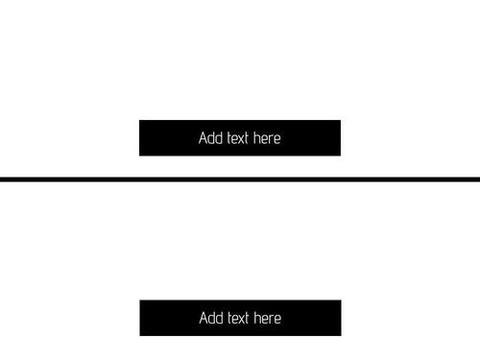
- Dual Section Template for Content Organization
Dual Section Template for Content Organization Template
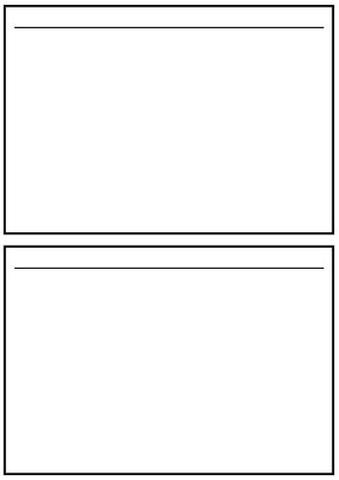
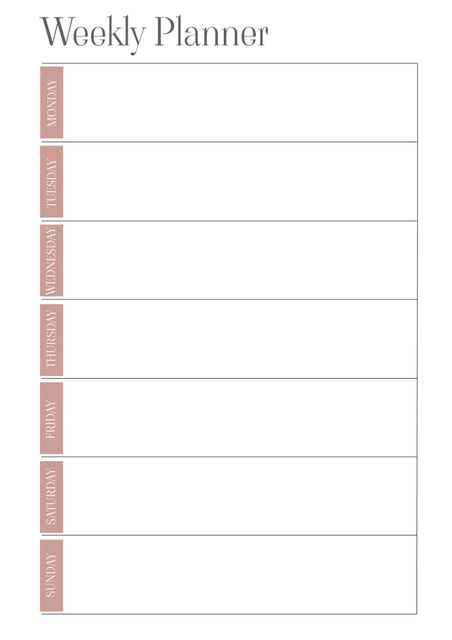
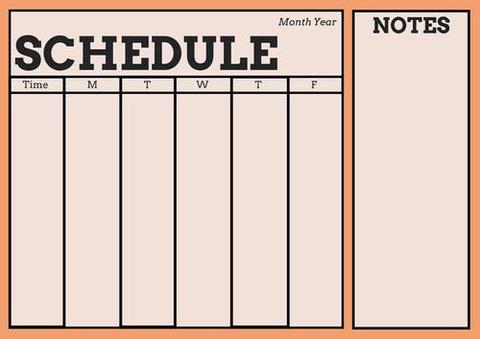
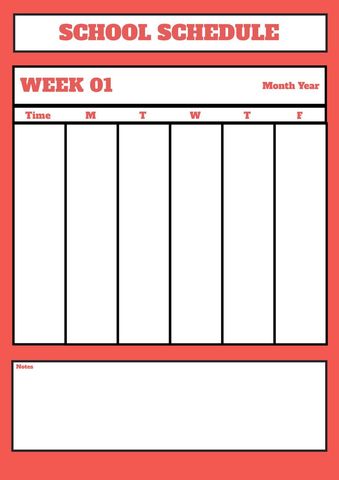
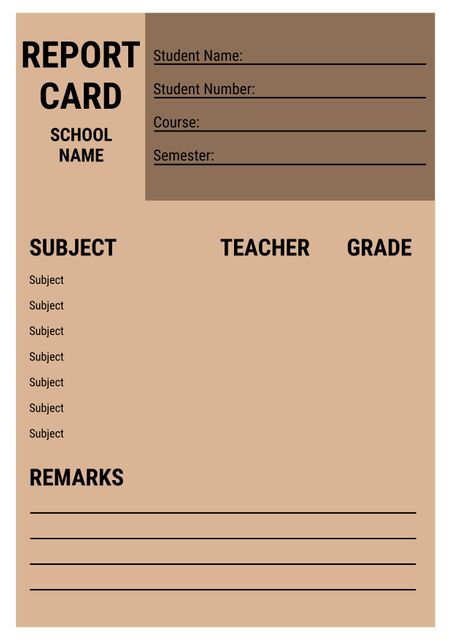
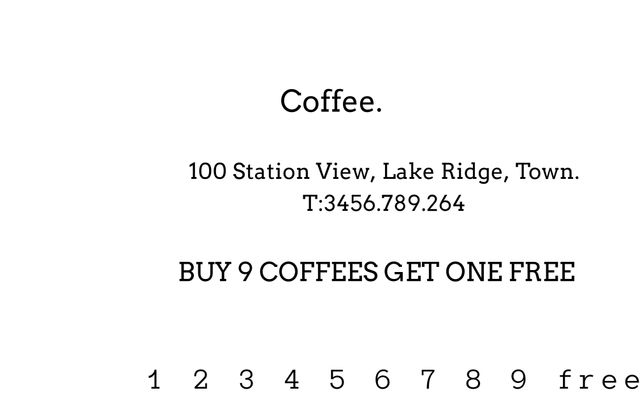
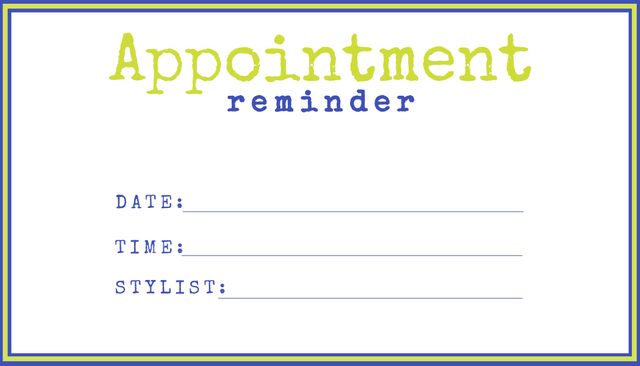
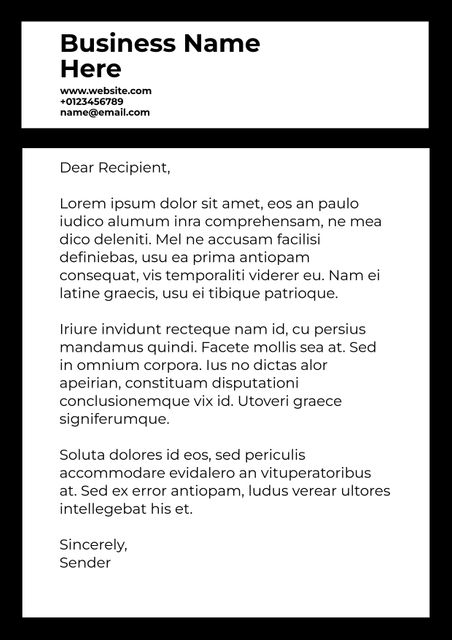
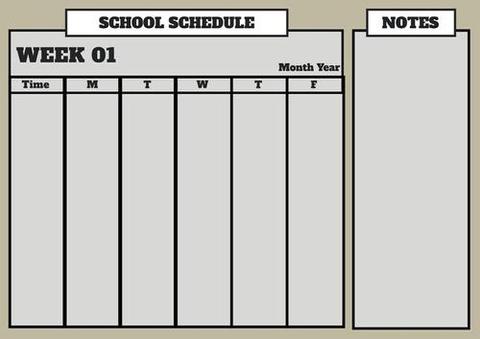
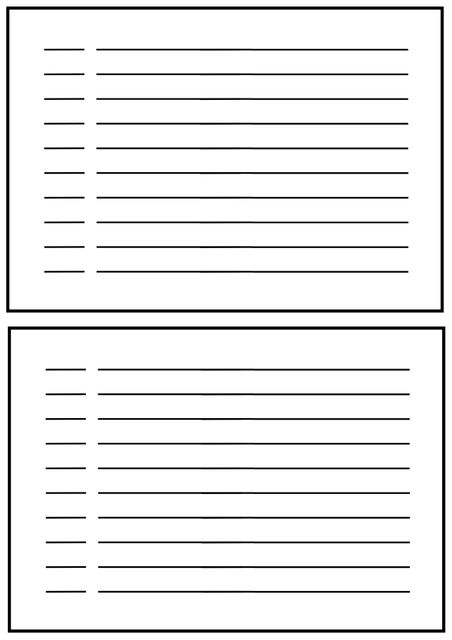
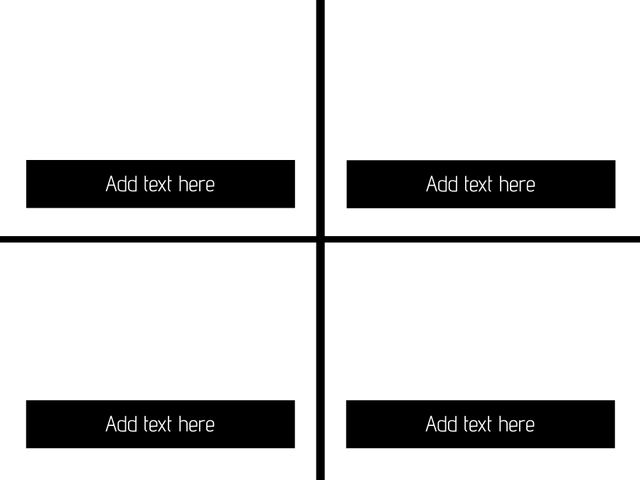
The dual-section design splits content, making it easy to compare information. This template is perfect for displaying before-and-after photos, highlighting changes, or presenting differences clearly. It can be effectively used for educational purposes, project results, data comparison, or showcasing progress over time, providing a neat, professional look for any presentation or document.
Powered by


downloads
Credit Photo
If you would like to credit the Photo, here are some ways you can do so
Text Link
template Link
<span class="text-link">
<span>
<a target="_blank" href=https://pikwizard.com/template/dual-section-template-for-content-organization/49b28b8c7f2d2b376d42281545f59c52/>PikWizard</a>
</span>
</span>
<span class="image-link">
<span
style="margin: 0 0 20px 0; display: inline-block; vertical-align: middle; width: 100%;"
>
<a
target="_blank"
href="https://pikwizard.com/template/dual-section-template-for-content-organization/49b28b8c7f2d2b376d42281545f59c52/"
style="text-decoration: none; font-size: 10px; margin: 0;"
>
<img src="https://pikwizard.com/pw/medium/49b28b8c7f2d2b376d42281545f59c52.jpg" style="margin: 0; width: 100%;" alt="" />
<p style="font-size: 12px; margin: 0;">PikWizard</p>
</a>
</span>
</span>
Free (free of charge)
Free for personal and commercial use.
Author: Authentic Images